Always know what to watch next
UpNext remembers where you stopped in every series, tells you when new episodes come out, and helps you and your friends pick something for tonight. It works in any browser and installs as an app on your phone or computer.
- Free, no ads
- Phone and computer
- English and Russian
- Sign in with Google, Discord or Microsoft
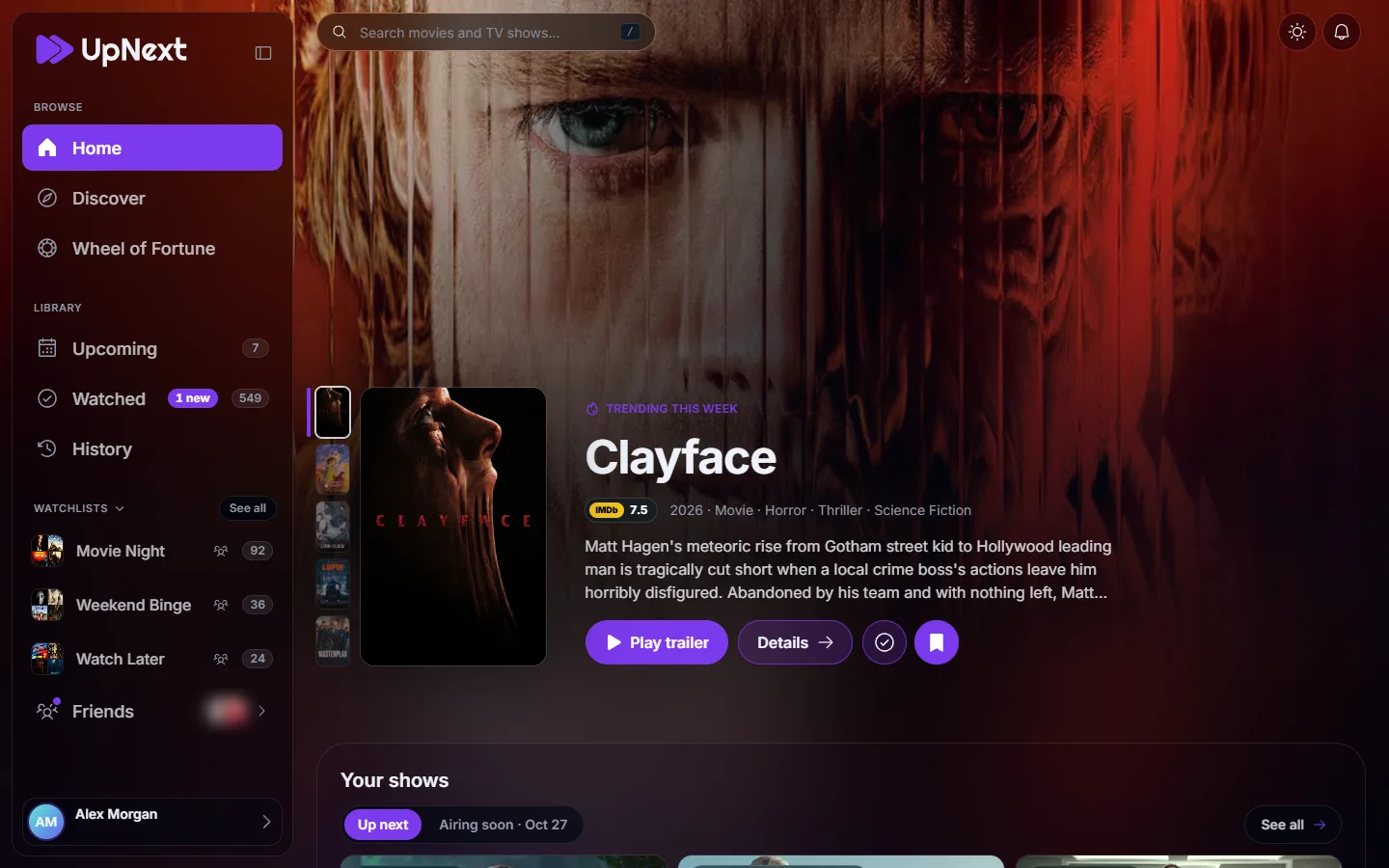
Why people use it
You never lose your place
Every show you watch waits at the next episode, even after months away. No more scrolling through seasons trying to remember.
You hear about new episodes
A notification arrives when a new episode of a show you follow airs, and a planner lays out the weeks ahead.
Choosing gets easier
IMDb ratings, filters, watchlists and a wheel for the nights when nobody can decide.
It's better with friends
Share lists, see what friends thought of a title and how much your tastes match.
Home
What's next, at a glance
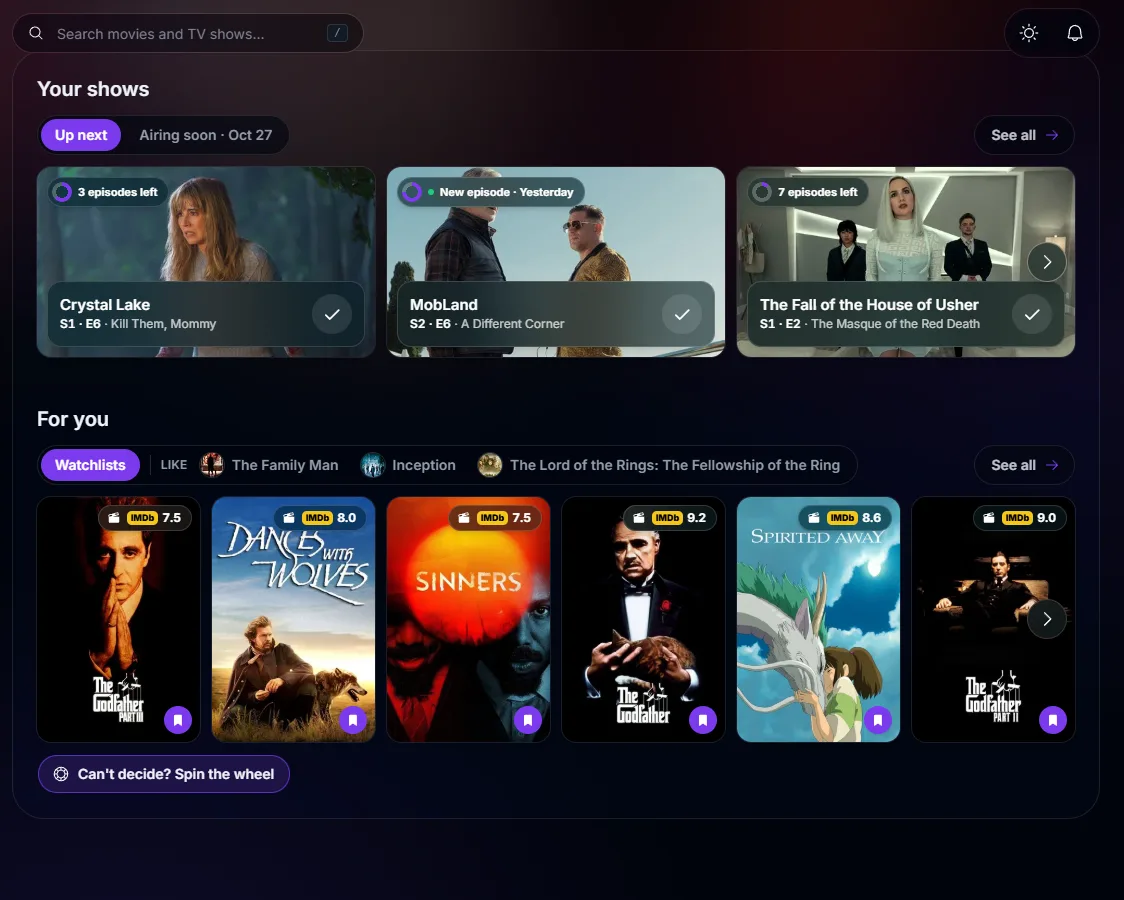
Home opens on the shows you're in the middle of, each one at its next episode, with a tap to mark it watched.
- Up next: the next episode of every series you're watching
- Airing soon: what comes out in the next few days
- For you: picks based on what you liked
- Trending titles, fresh trailers and who everyone is looking up
Series and movies
Track every episode
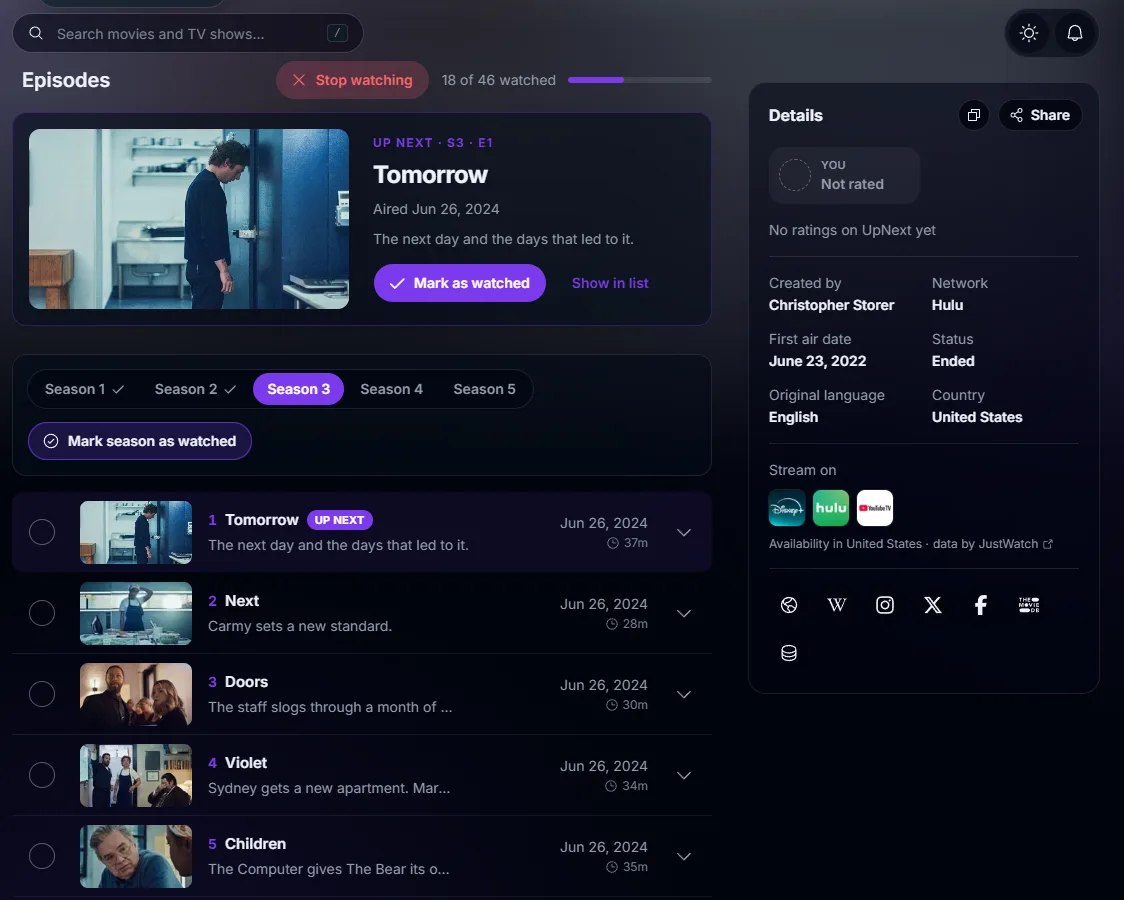
Each title has a page with everything you need to decide and to keep track: seasons, episodes, trailer, cast and where to stream it in your country.
- Mark an episode, a whole season or the series in one tap
- Progress for every season, and the series total
- Drop a show you gave up on, and it leaves Up next and your recommendations
- Streaming services for your country, IMDb rating and trailer
Upcoming
A planner for new releases
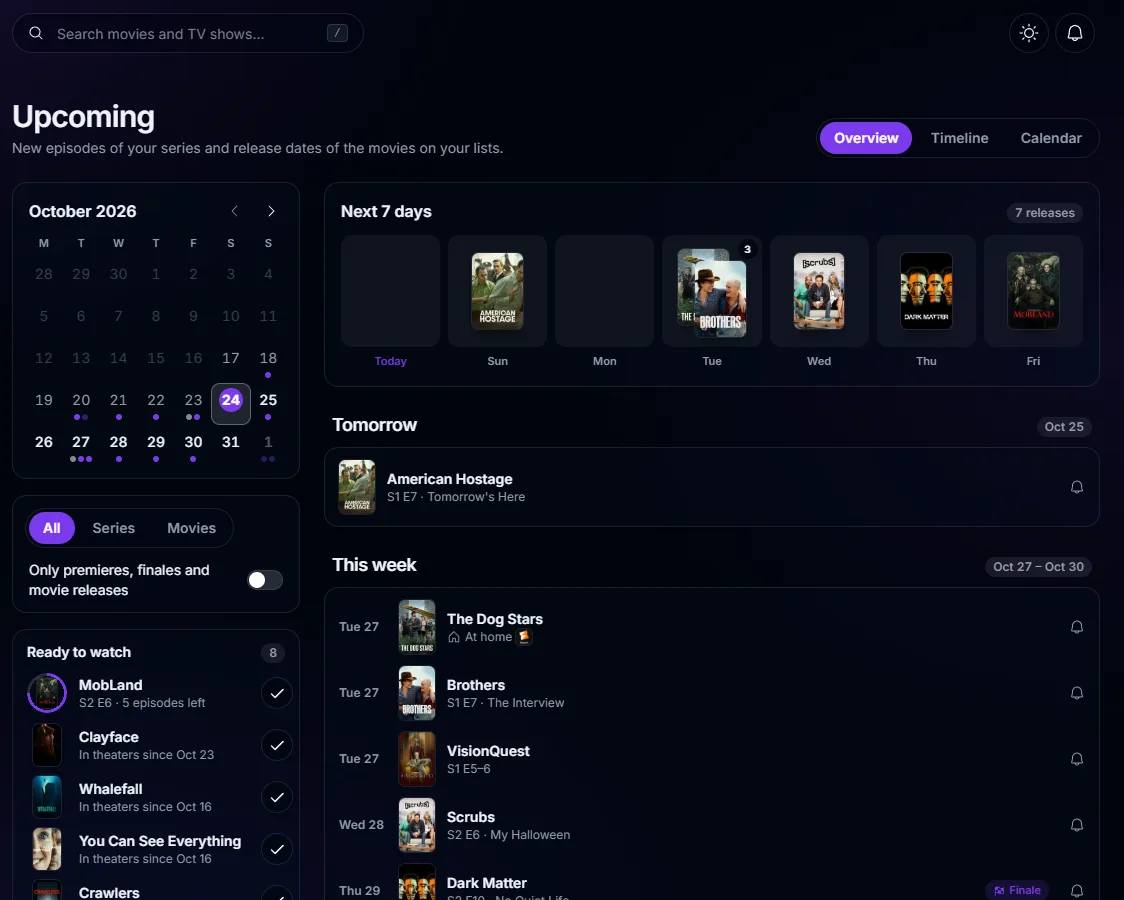
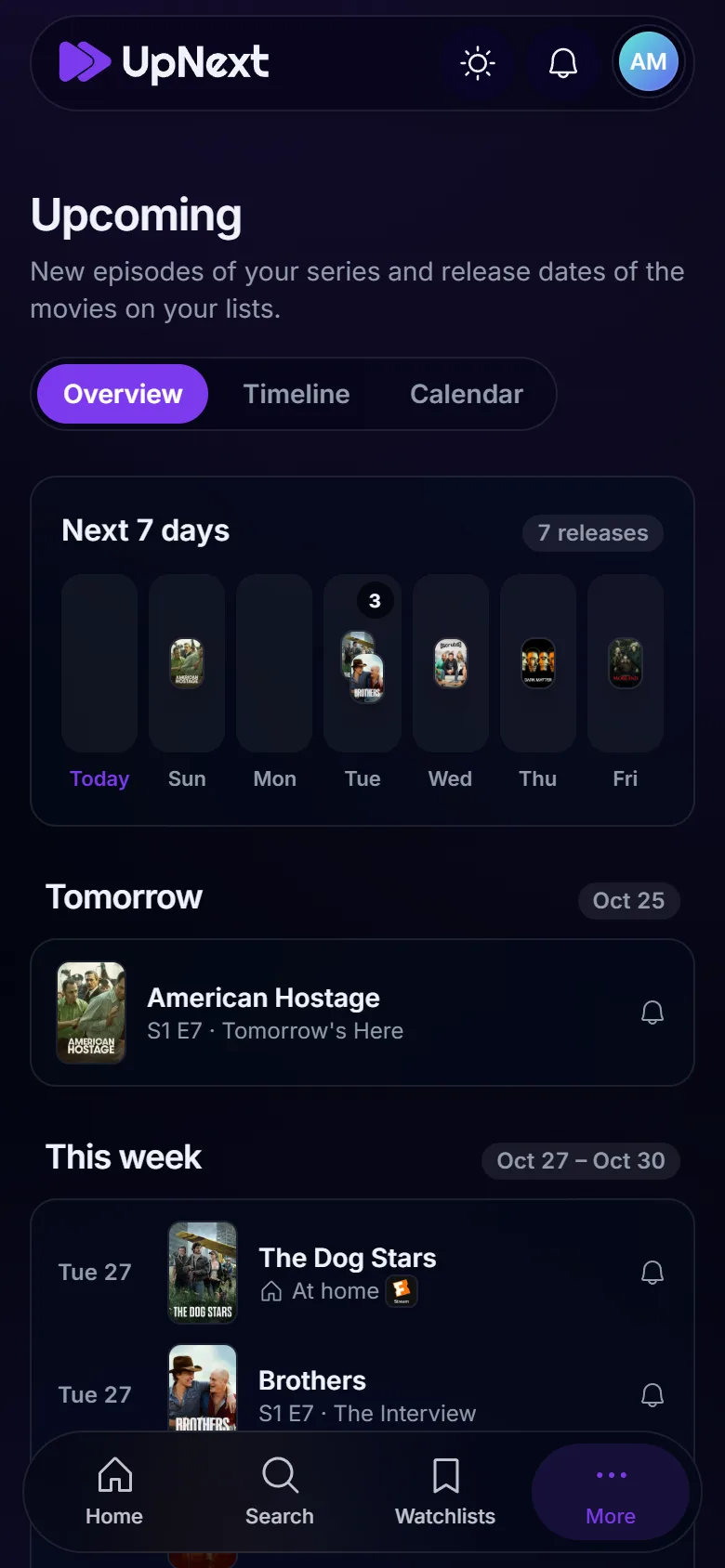
Upcoming collects the new episodes of your shows and the release dates of movies on your lists, so you see the coming weeks on one page.
- The next seven days, a timeline and a calendar
- Premieres and finales are marked
- Theater and digital release dates for your country, with streaming services
- A bell on any title for a reminder on release day
Discover
Find something new
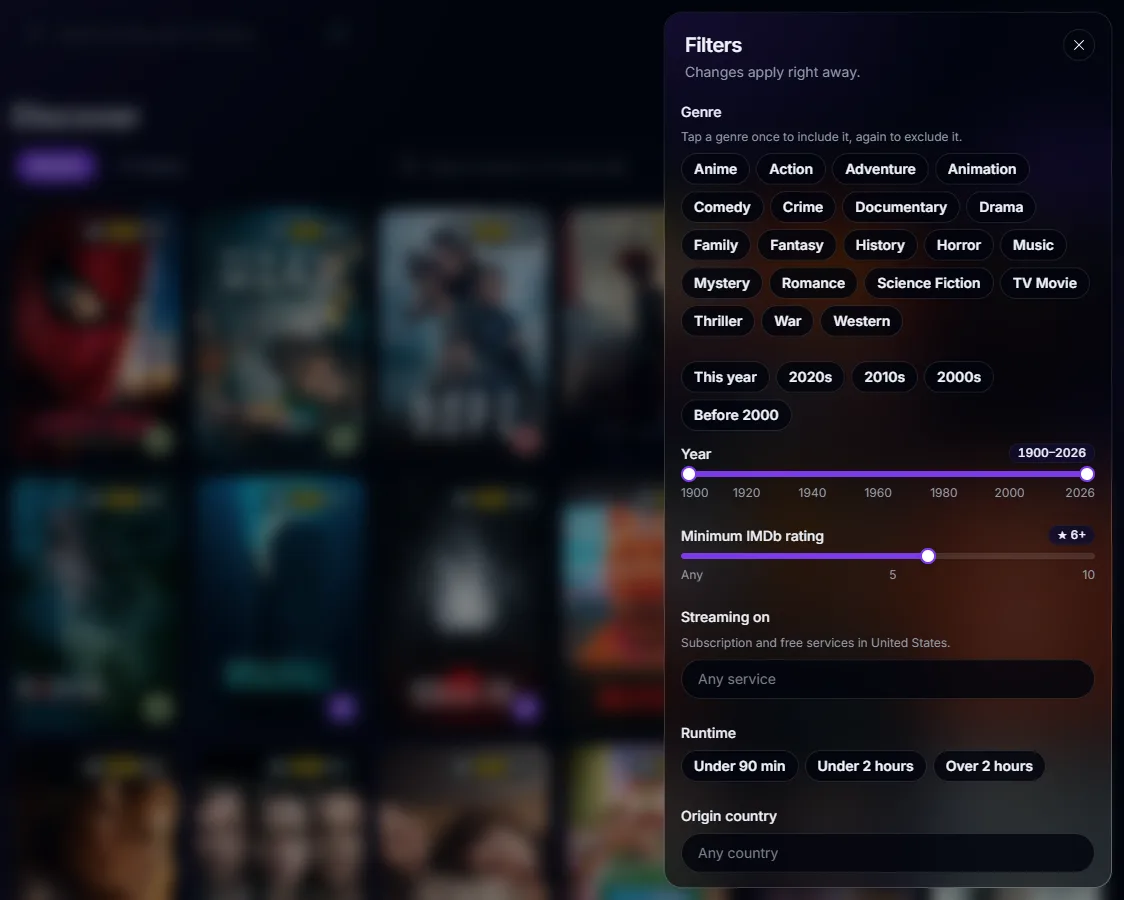
Browse movies and shows with the filters that matter, and leave out what you've already seen.
- Trending, popular, top rated, upcoming and on the air
- Genres to include or exclude, years, countries, networks and runtime
- Only what's on your streaming services
- A minimum IMDb rating, and an option to hide what you've seen
- Search for movies, shows and people from any page
Ratings
Rate what you watch
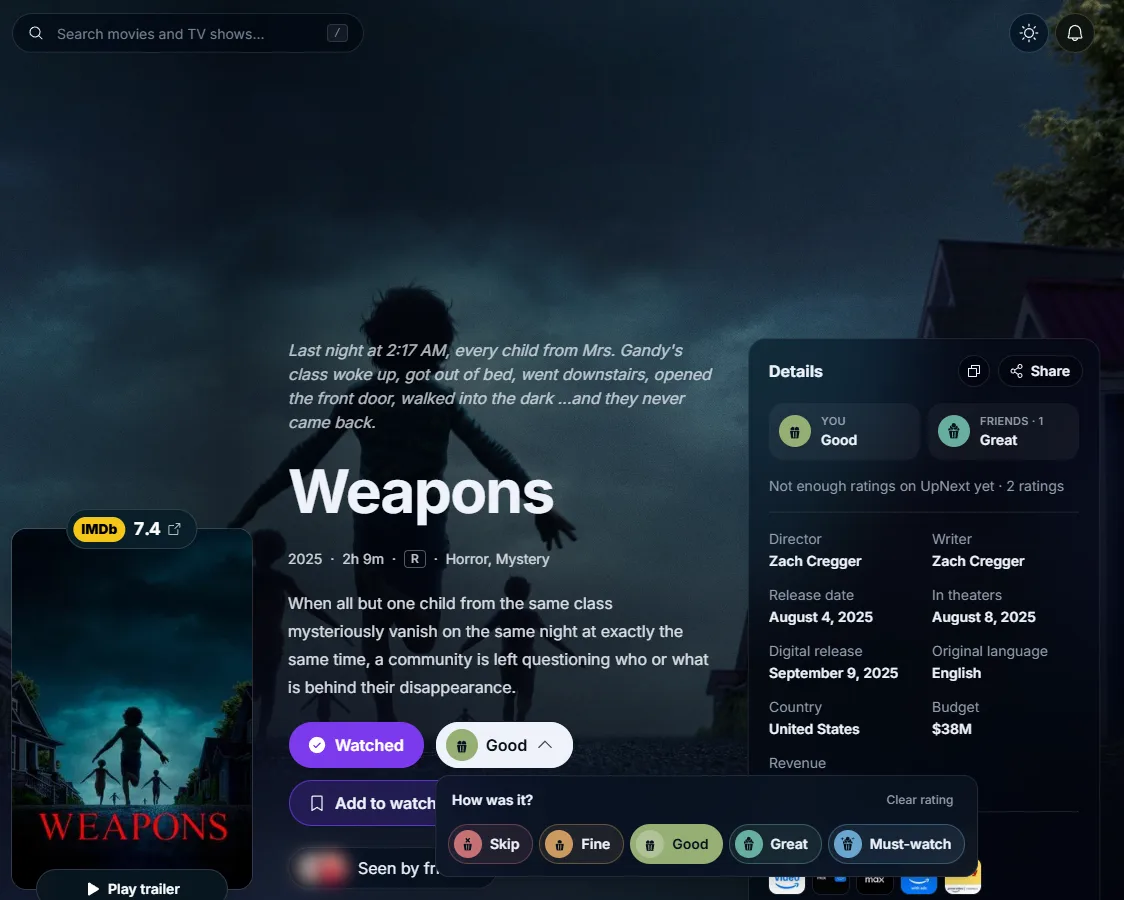
Five simple levels, from Skip to Must-watch. Your ratings sort your library, and your friends see them on each title.
- Skip, Fine, Good, Great or Must-watch
- Quick rate takes you through everything you've watched but not rated
- Your friends' ratings on every title page
- Filter and sort your library by rating
Library
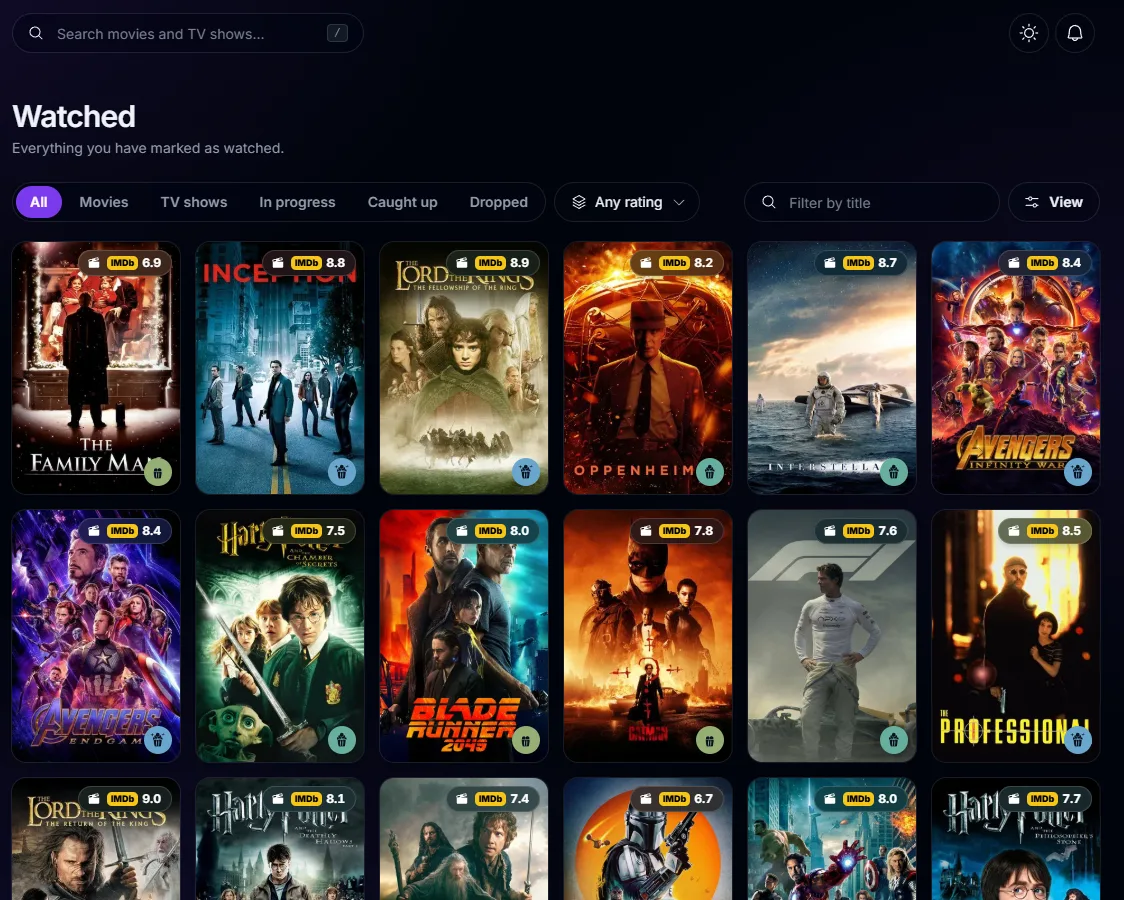
Everything you've watched
Your library keeps every movie and show you've seen, sorted the way you like, with the shows you're still watching kept apart.
- Movies and shows, with tabs for in progress, caught up and dropped
- Sort by date watched, title, year, IMDb or your own rating
- History: the titles you've opened recently
Watchlists
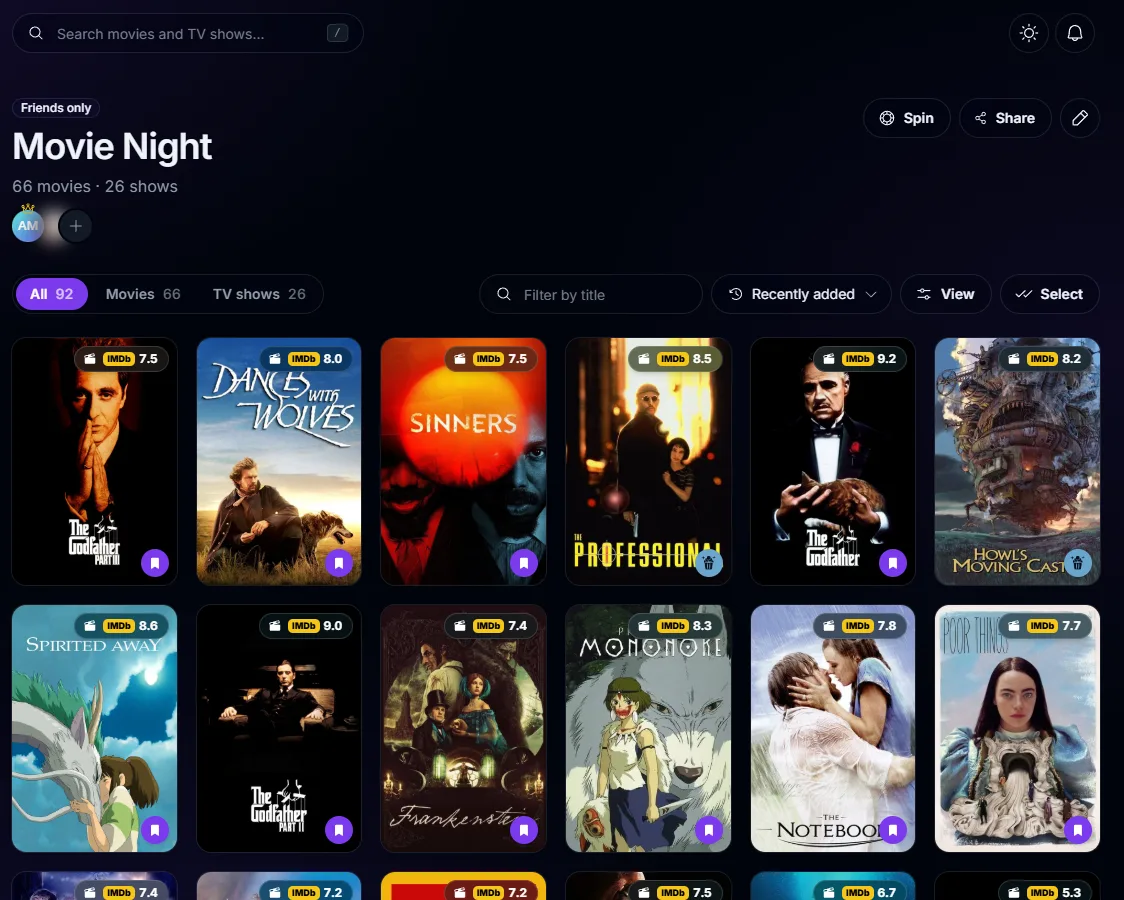
Watchlists, alone or together
Keep as many lists as you like: for a movie night, a holiday or for later. Invite friends to add to them with you.
- Private, for friends, or public with a link anyone can open
- Friends can edit a list with you
- Movies you watch and shows you finish leave the list by themselves
- Hide watched titles to see only what's left
Wheel of Fortune
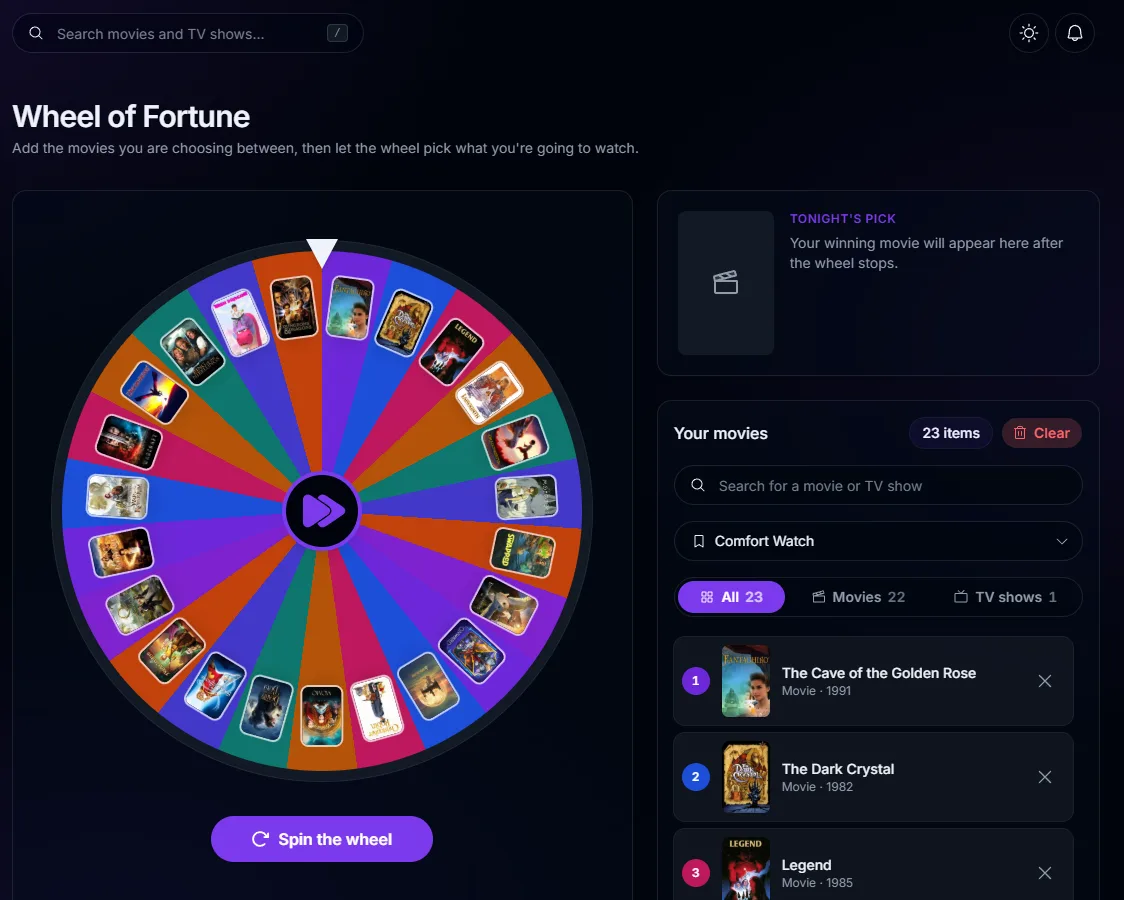
Can't decide? Spin the wheel
Load a watchlist onto the wheel and let it choose. Remove the pick and spin again if nobody likes it.
- Any of your watchlists, or titles added by hand
- Only movies, only shows, or both
- With a friend: a spin over what's on both your lists
Friends
See what your friends watch
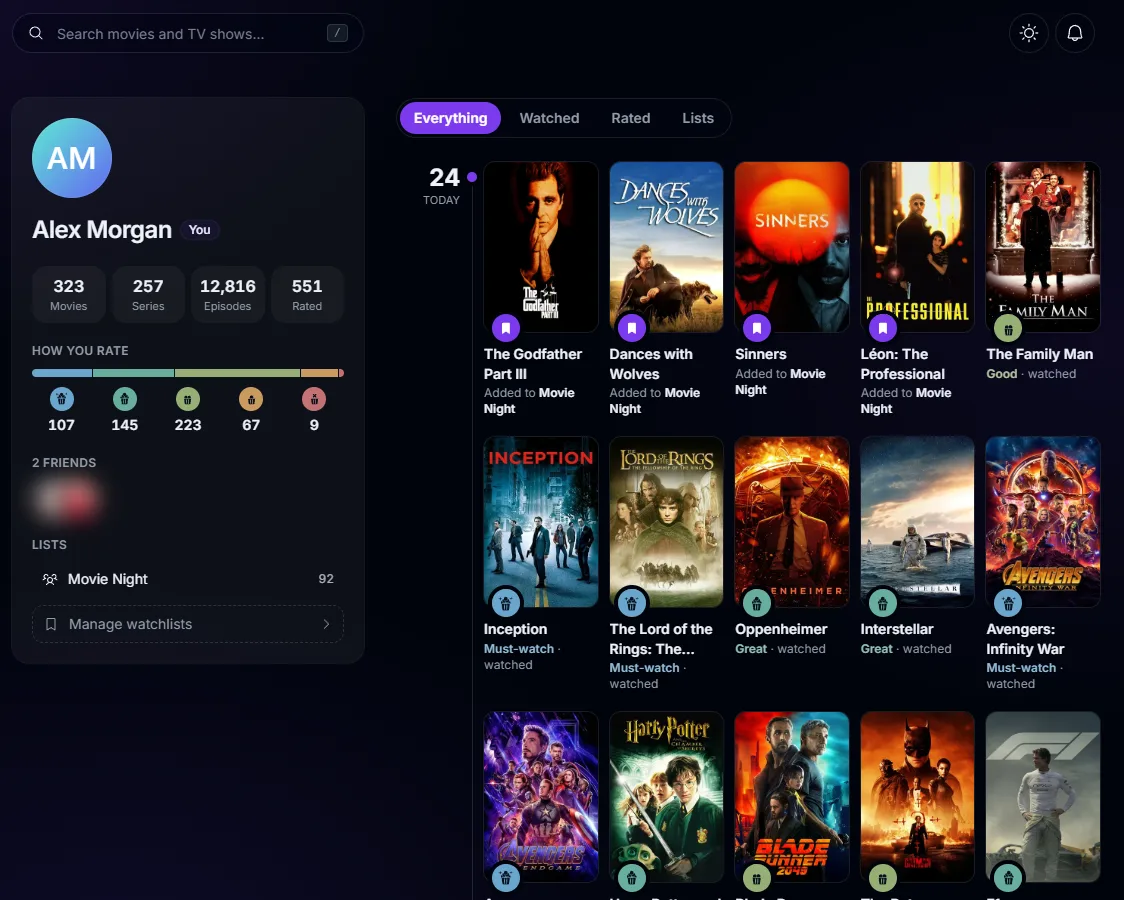
Add friends to follow their activity, share lists and compare tastes. Only friends see your activity and ratings.
- A profile with stats and a feed of what you watched, rated and added to lists
- Taste match, and a page comparing you with a friend
- Titles you both loved, and ones to watch together
- Notifications for friend requests and shared lists
On every device
An app on your phone and computer
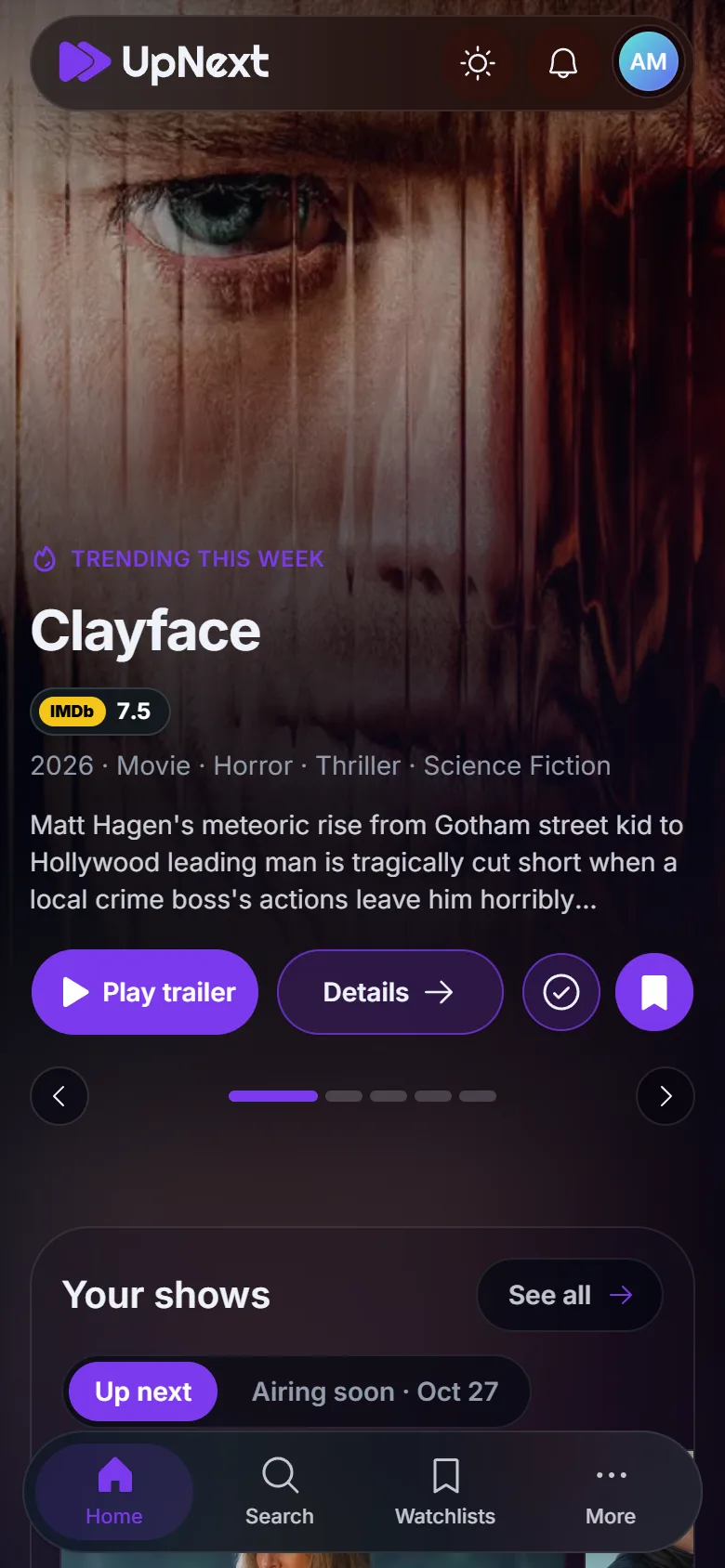
Install UpNext from the browser and it opens in its own window like any other app, with notifications. Everything stays in sync across your devices.
- Install on Android, iPhone, Windows, macOS and Linux
- Notifications for new episodes, friends and shared lists
- Works on any screen, from a phone to a wide monitor
Settings
Make it yours
Pick light or dark, an accent color and a text size. Language, country and time zone follow your account to every device.
- Light, Dim and Dark themes
- Ten accent colors, or any color you like
- English or Russian, and release dates and services for your country
- Choose which screen opens first
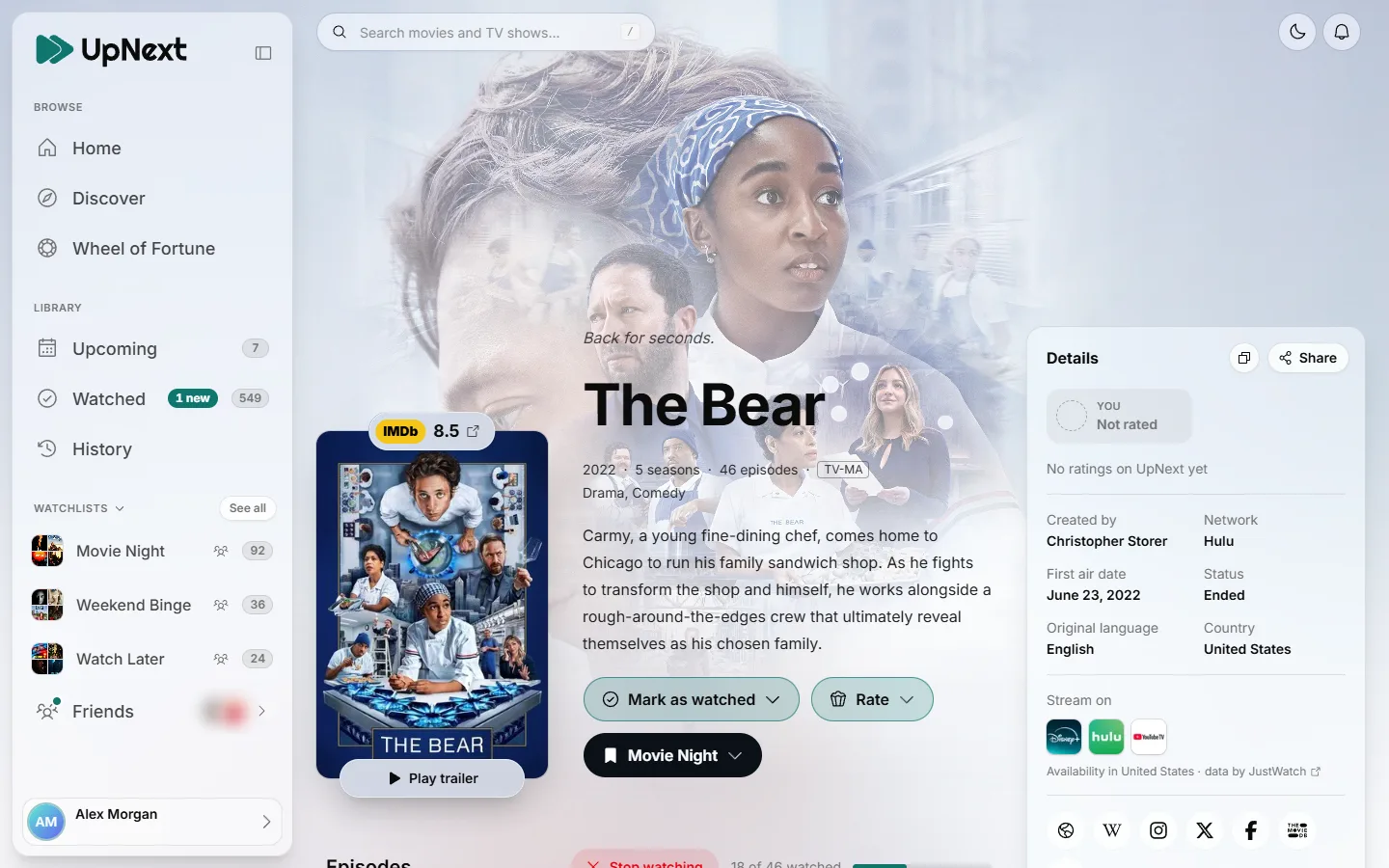 , view largerLight
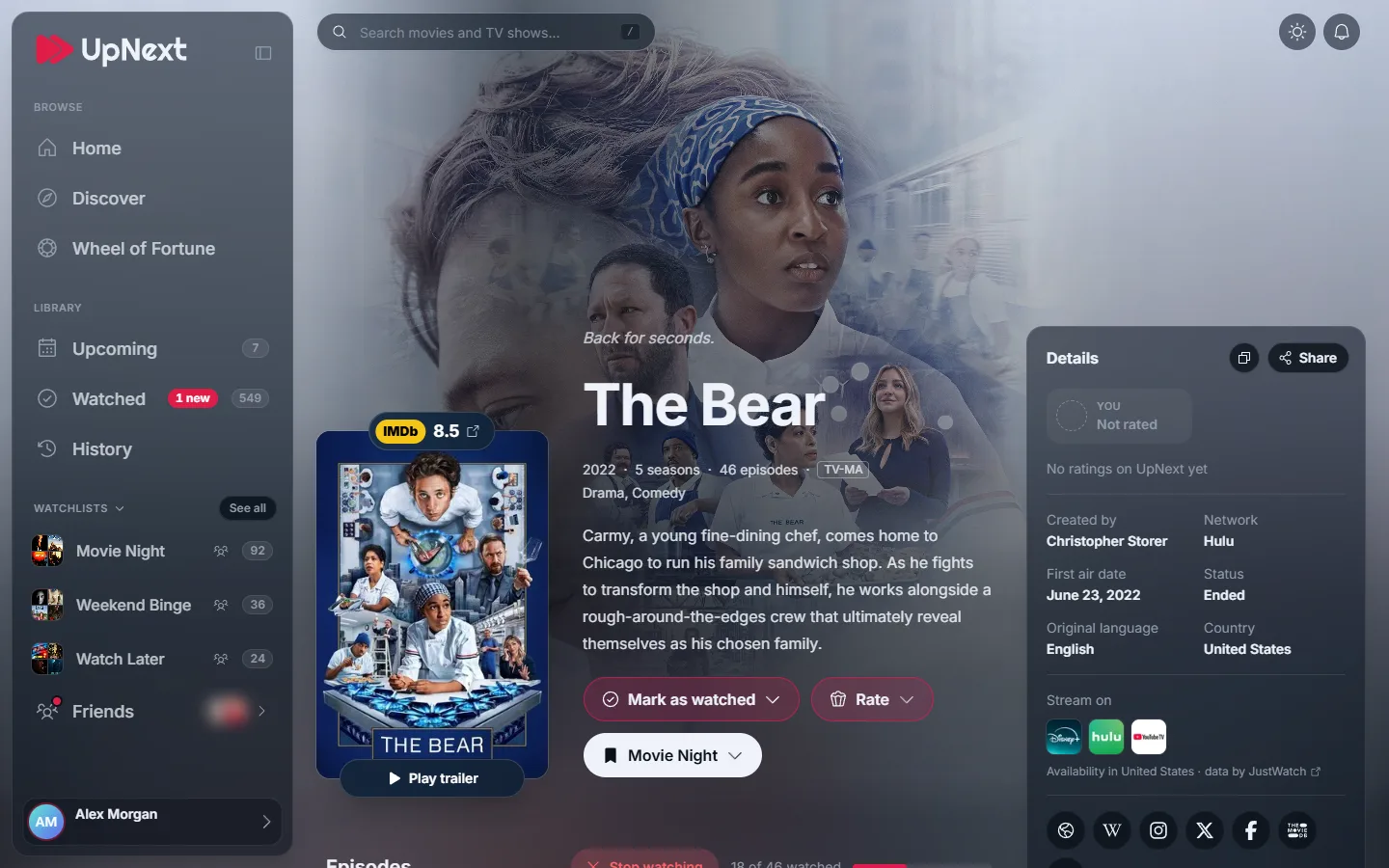 , view largerDim
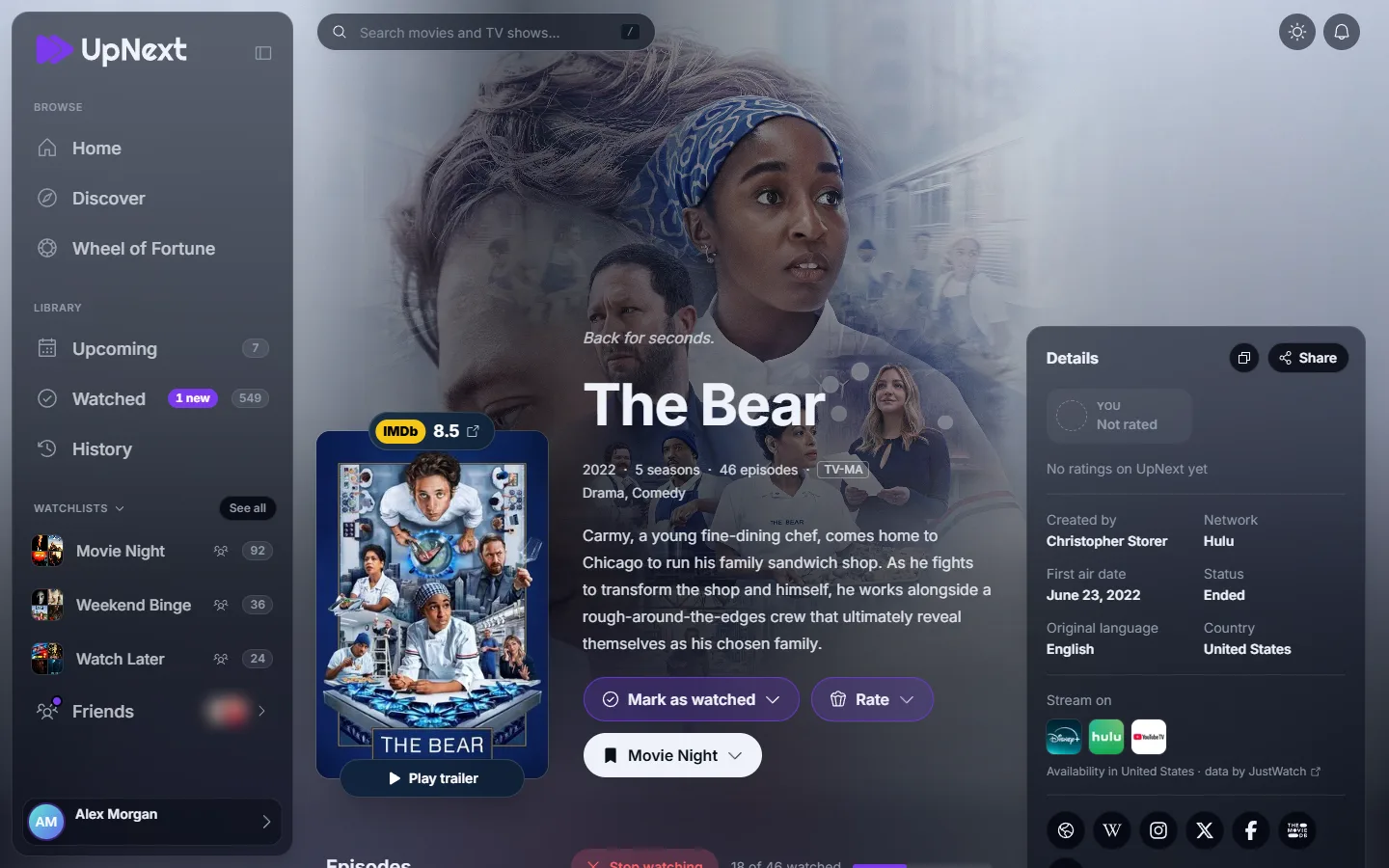 , view largerDark
Questions
- Is UpNext free?
- Yes. Every feature is free and there are no ads. If you'd like to, you can support the developer on Ko-fi.
- Can I watch movies on UpNext?
- No. UpNext keeps track of what you watch and shows which streaming services have each title in your country.
- Do I need an account?
- You can browse, search and read about any title without one. To track what you watch and keep watchlists, sign in with Google, Discord or Microsoft.
- Who can see what I watch?
- Your activity and ratings are visible only to you and your friends. Each watchlist is private, for friends, or public, as you choose. The privacy policy has the details.
- Where does the information come from?
- Titles, posters, cast and streaming services come from TMDB, and ratings from IMDb.
- Something's missing or broken?
- Send a bug report or an idea from the Feedback page. It goes straight to the person who builds UpNext.
Ready for your next episode?
It takes a few seconds to sign in, and your first show is one search away.